
Before you begin
Make sure the Study Shield device is activated and paired with the parent account.
Steps
- Open the Study Shield app and sign in as the student via the QR code or secure code.
- Go to the "focus" tab in the bottom bar
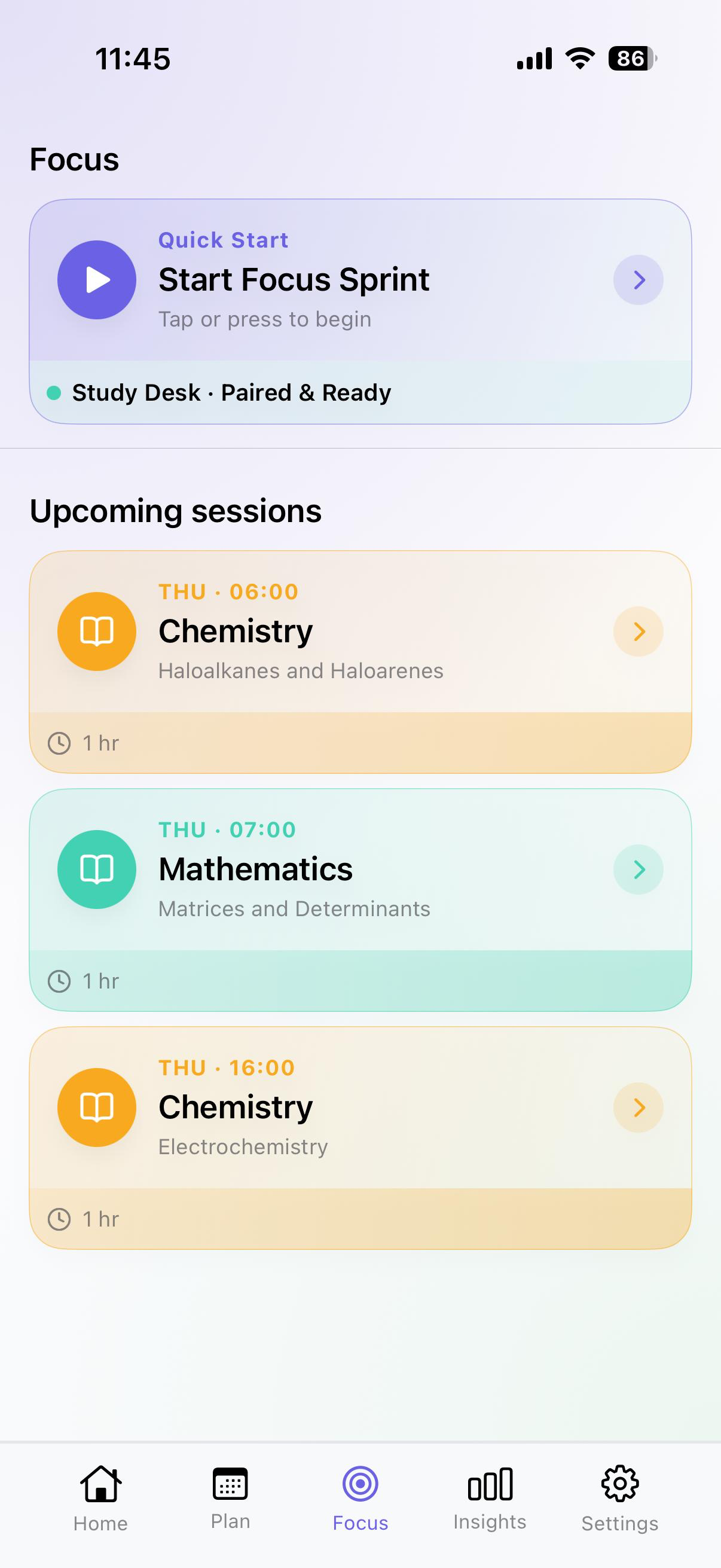
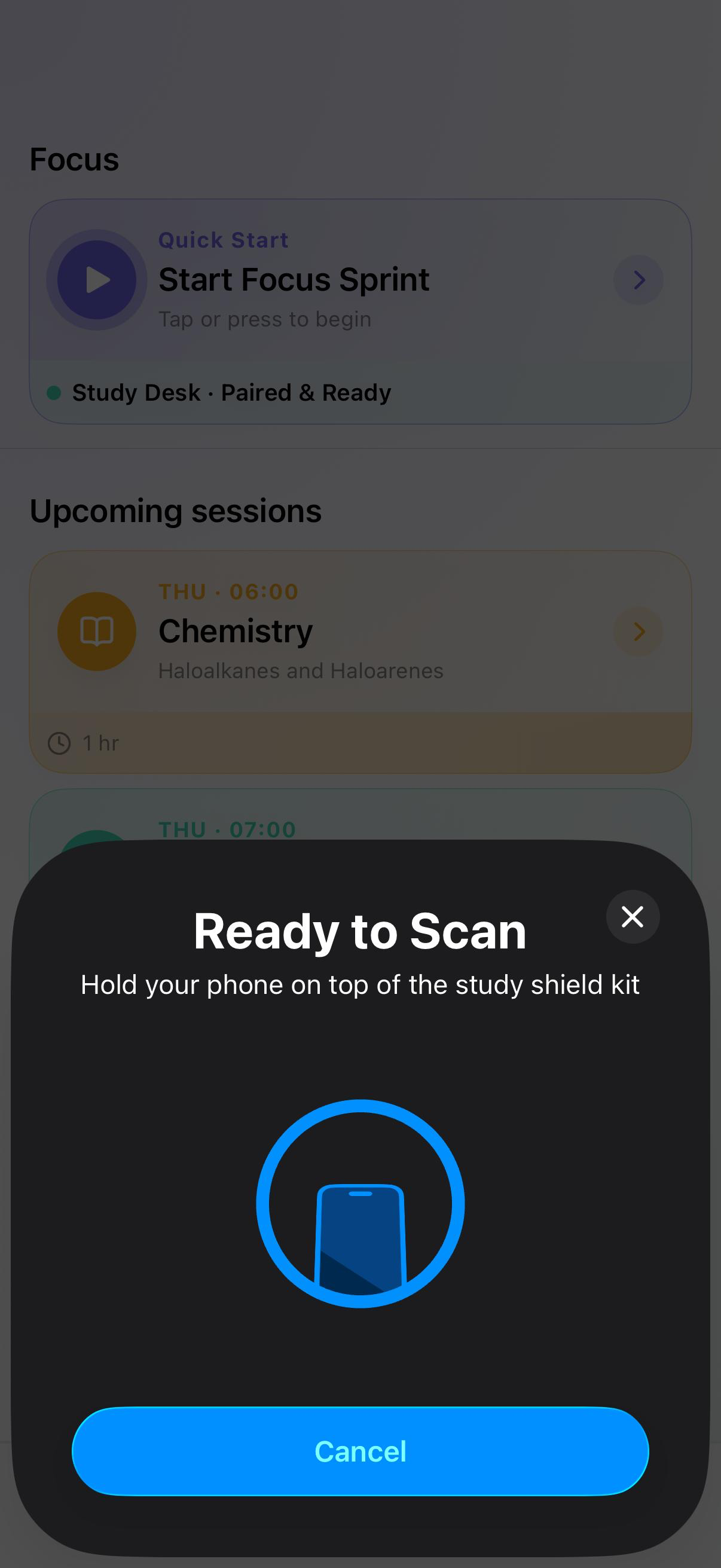
- Select on one of the sessions shown and when prompted tap on the NFC kit to start the session.
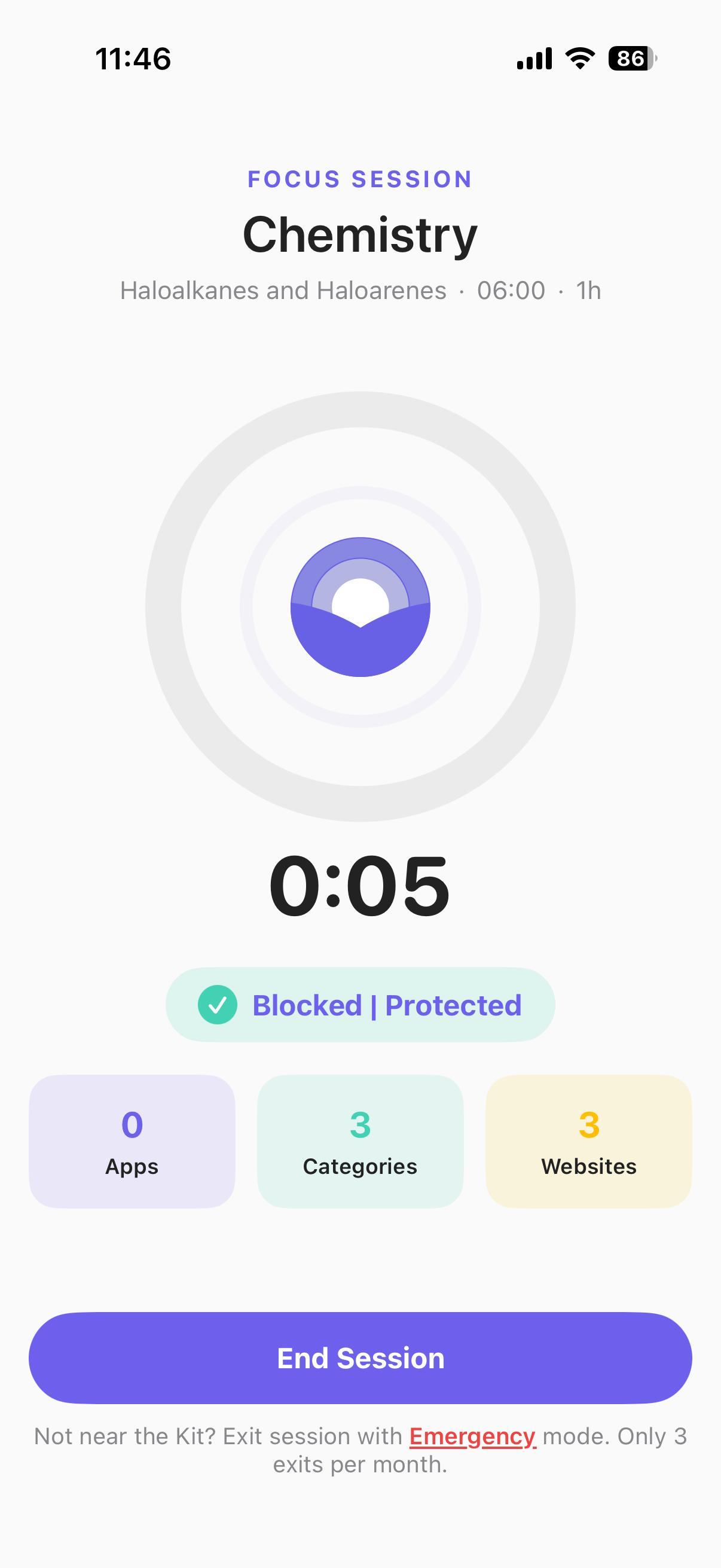
- The Focus session starts and the focus screen shown
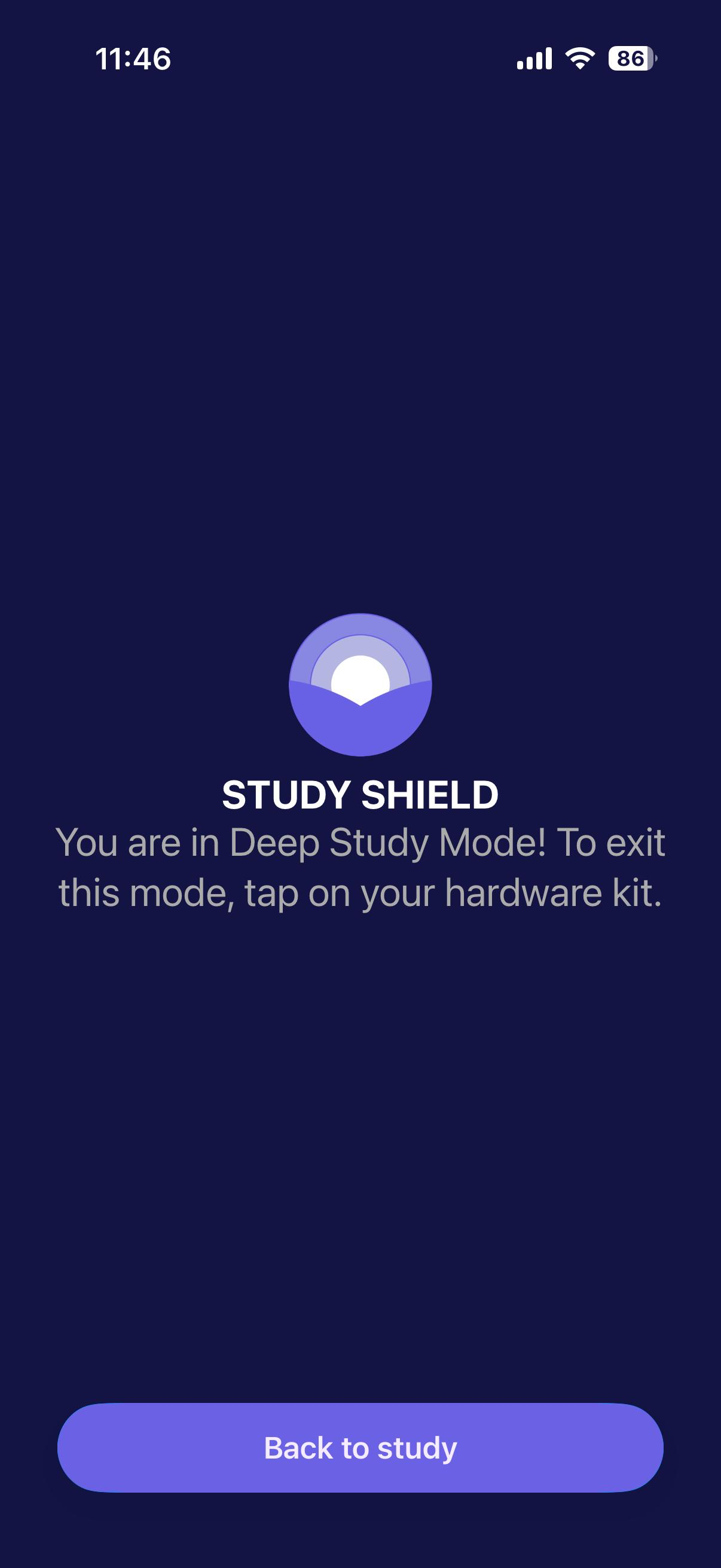
- The apps are restricted and whenever you open any restricted app the study shield screen will be shown
Tips
- Sessions can be ended early but please mark as incomplete.
- Emergency exits can be used when the student is not near the kit, but it is restricted to only 3 exits per month to avoid misuse.
Still stuck? Our team replies to every message.
support@studyshield.in